
Workplace guide · MUSEPoD planning guide
Make room for a better hybrid meeting.
Plan the conversation, camera and everyday use together.
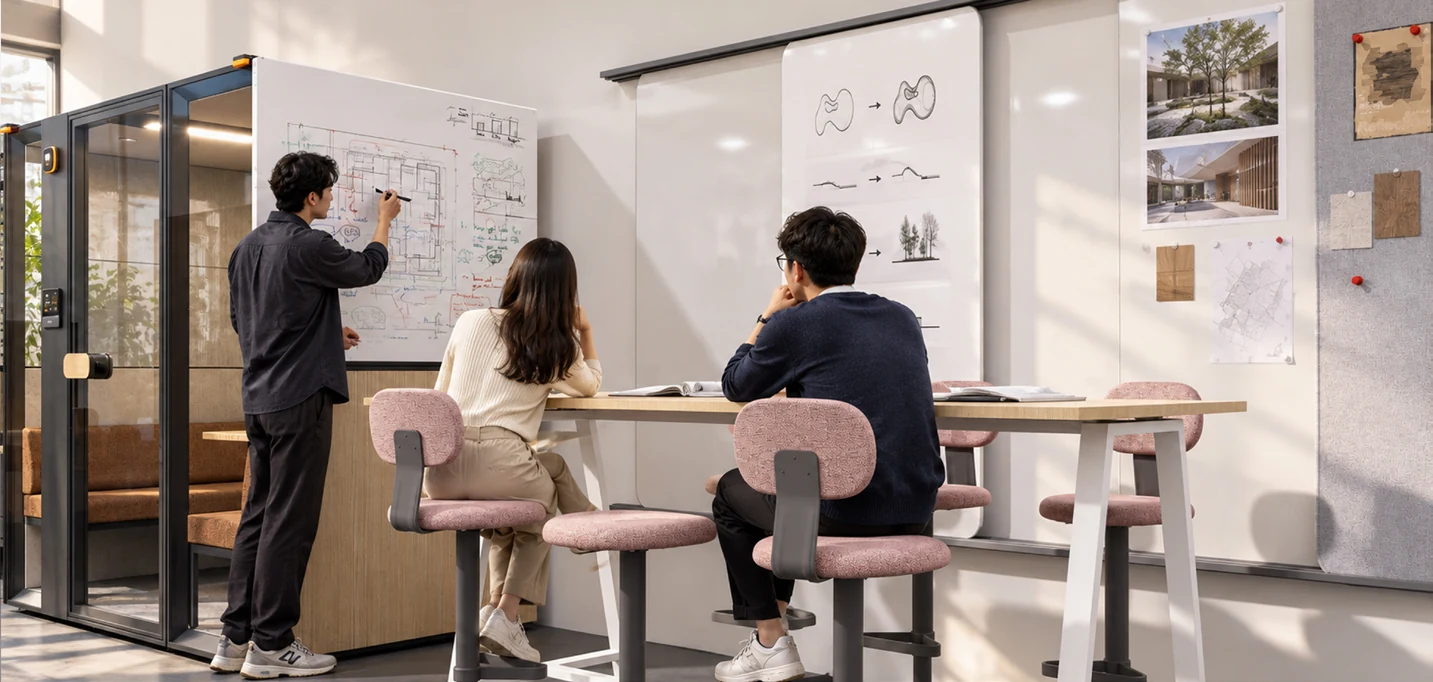
Choose for the meeting you actually have.
A quick one-to-one call and a longer hybrid team meeting need different settings. Note the usual number of people, expected session length and whether participants need to present, write or share a screen. Then compare usable internal space and the proposed furniture layout. A larger exterior alone does not tell you where a camera or display will fit.
Check the camera view.
Sketch the screen, camera and seats on the same plan. Consider whether every participant can see the display without turning away from the conversation. Ask for the mounting options and confirm whether the display, bracket, camera and cabling are included or supplied separately. Test the intended camera angle before approving a repeated rollout.
Plan speech privacy realistically.
Acoustic performance depends on the exact product, test method and surrounding environment. Request the report for the selected configuration and check what it measures. A quieter setting can support conversation, but no general marketing phrase replaces an assessment of sensitive discussions in your workplace. Agree operating expectations with the facilities team.
Make connections straightforward.
List the devices people bring and the connections they need. Confirm the local power outlets, charging equipment and any screen-sharing setup. Keep cables away from the doorway and walking space. If booking or occupancy status is part of the project, agree the integration, user access and ongoing support responsibilities before installation.
Try a normal session.
Review the seating, lighting, airflow and reach to controls during a typical meeting. Include both in-room and remote participants in the trial. Ask whether voices are clear, the screen is visible and the controls are easy to use. Record the adjustments and the agreed equipment list so the final installation matches the way your team works.